
Exact decimal hours vs billable rounding
These are different numbers. Exact decimal hours convert elapsed time literally: 18 minutes = 0.3 hours exactly. Billable rounding applies your client agreement: the same 18 minutes might bill as 0.3 hours under six-minute round-up, but 1 minute could bill as 0.1 hours (six minutes) when rounded up.
Always label which number you are using on an invoice. This calculator models rounding policies; it does not configure them in Corcava. The app stores tracked duration and does not automatically apply a six- or fifteen-minute billing increment when generating invoice lines.
How six-minute (tenth-hour) billing works
Many agencies, consultancies, and professional firms bill in six-minute increments — each block is 0.1 of an hour. With round-up policy, any partial block counts as a full block: a seven-minute call bills as twelve minutes (0.2 hr), not seven.
The increment chart tab defaults to this pattern because it matches common agency and consulting contracts. Use the Convert tab for other increments (5, 10, 15, 30, or 60 minutes) and round-down or nearest policies.
Formulas
exact_decimal_hours = (hours × 60 + minutes) ÷ 60
billable_minutes = round_policy(actual_minutes, increment)
billable_amount = billable_decimal_hours × hourly_rate
Round up: ceil(minutes ÷ increment) × increment (0 min stays 0). Round down: floor. Nearest: half-up to the closest increment. Exact: no duration rounding — use when your agreement bills actual recorded time.
Who uses billing increment charts?
Consultants and lawyers often bill six-minute units with round-up. Agencies may use six- or fifteen-minute blocks on T&M work. Bookkeepers and accountants frequently use six- or ten-minute increments. Developers on hourly contracts sometimes bill exact time or quarter-hour blocks — check the SOW.
This page is a calculator, not legal advice. Use the increment and rounding rules in your client contract and any professional obligations that apply to you.
Stop re-entering hours at invoice time
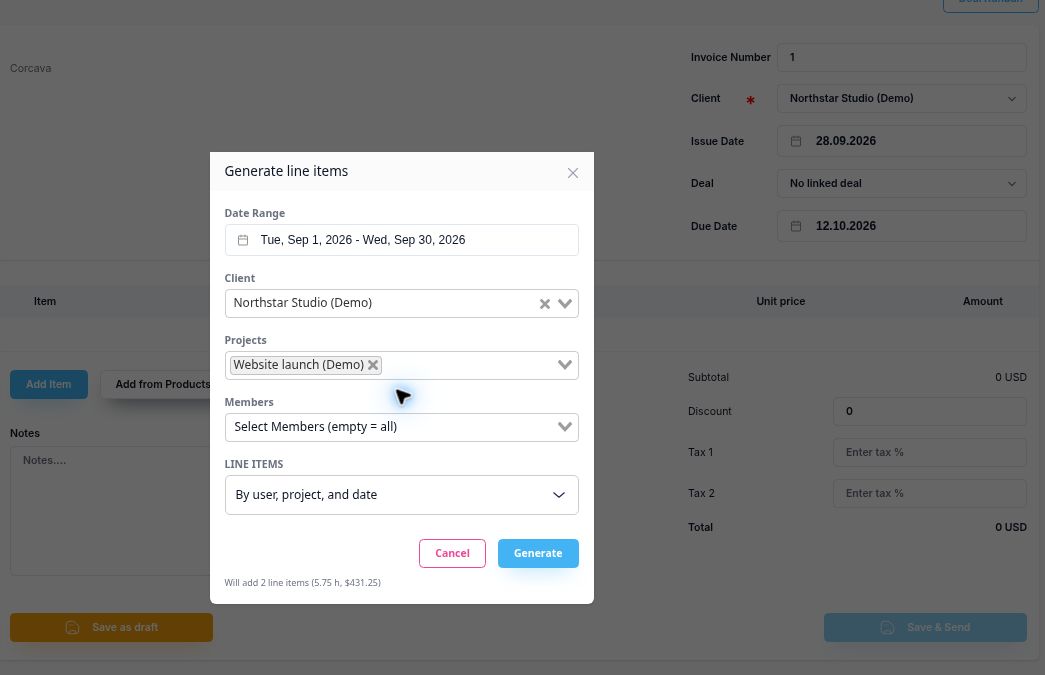
Track work against tasks and projects, review what is chargeable, and generate invoice lines from the selected time at the applicable bill rates.
Start 14-day free trial →No se requiere tarjeta de crédito
Related tools:Utilization calculator · Billable rate calculator · How to track billable hours · Consulting software · Billable work
Frequently asked questions
What is the 6-minute increment rule?
Each six-minute block equals 0.1 billable hour. With round-up billing, partial blocks count as a full block. Exact conversion would make 1 minute approximately 0.0167 hours.
How do I convert minutes to decimal hours?
Divide minutes by 60 for exact decimal hours, or apply your billing increment and rounding policy for invoice-ready billable time.
Should I round up or use exact time?
Follow your client contract. Round-up six-minute billing is common in professional services; exact time is common on some dev contracts. The calculator shows both so you can compare.
What utilization rate should I target?
Many billable teams aim for roughly 70–85% utilization, but targets vary by role — partners doing sales run lower; individual contributors often run higher. Use the Utilization tab for period math, not as a universal benchmark.